
One workspace instead of scattered subscriptions
Aize Chat reduces the tab-sprawl problem. You can compare models, reuse context, and stay inside one interface when the task changes halfway through.
Aize Chat gives you one place to work with leading models, files, search, agents, and connectors so you can move from a quick question to a real workflow without losing context.
Start with a cleaner chat workflow today, then move into deeper tool use, reusable agents, and connected systems as your work gets more serious.
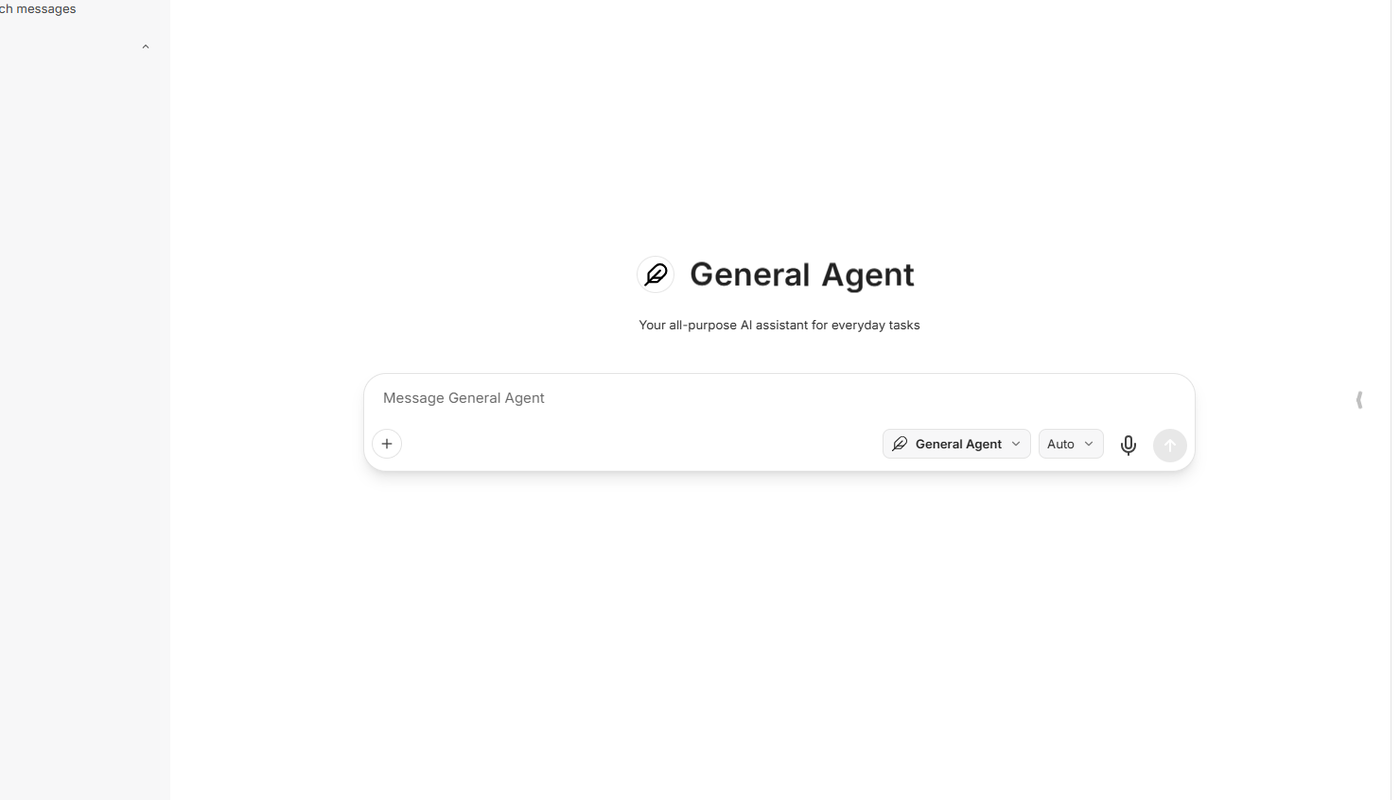
Most AI setups break the moment a task needs better context, a different model, real tools, or a reusable workflow. Aize Chat is built for that moment.
Aize Chat reduces the tab-sprawl problem. You can compare models, reuse context, and stay inside one interface when the task changes halfway through.
Files, images, search, connectors, agent flows, and richer outputs make the workspace useful for real work instead of one-off prompts.
Start with immediate self-serve value, then keep growing into workspaces, reusable agents, integrations, and deeper shared usage when the workflow expands.
See how Aize Chat handles model selection, tools, and connectors inside one workspace built for connected, repeatable work.
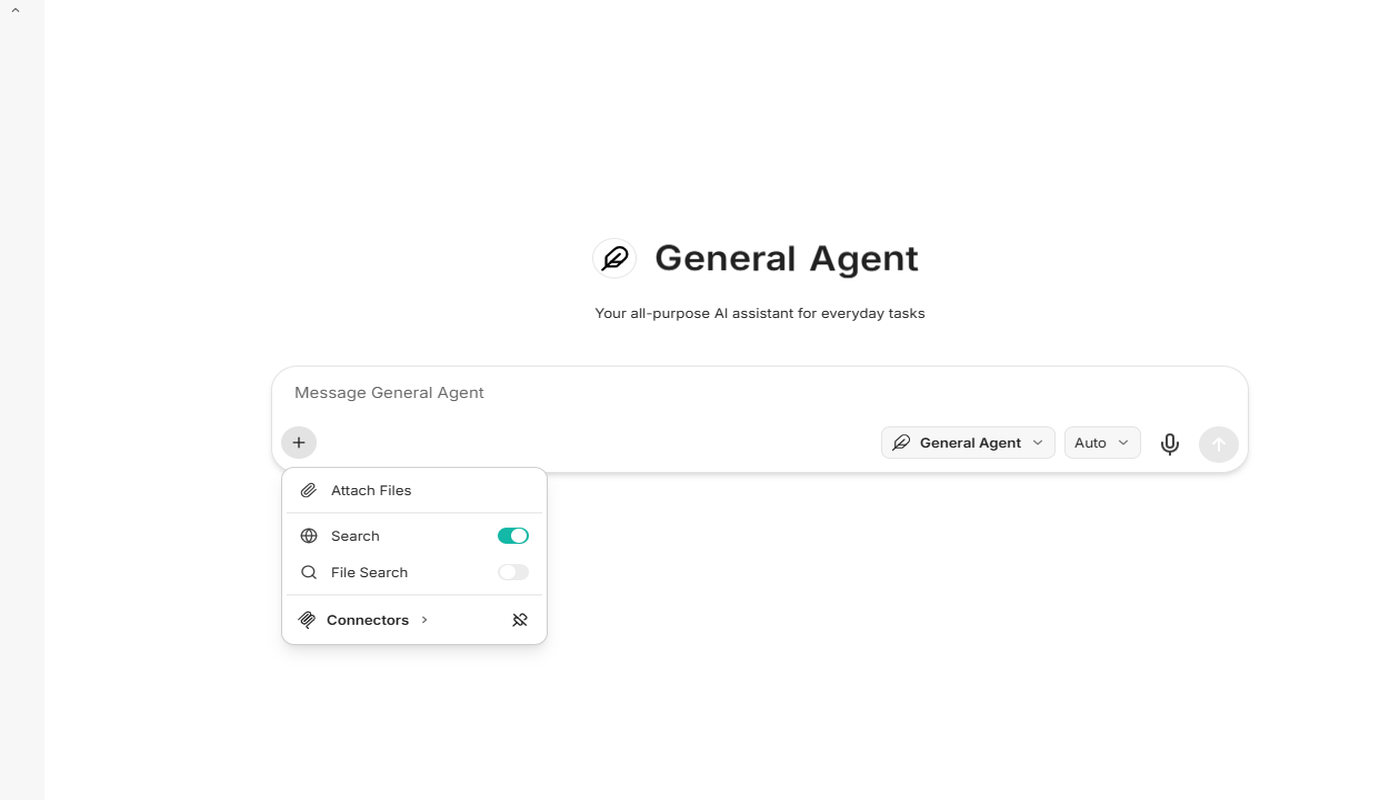
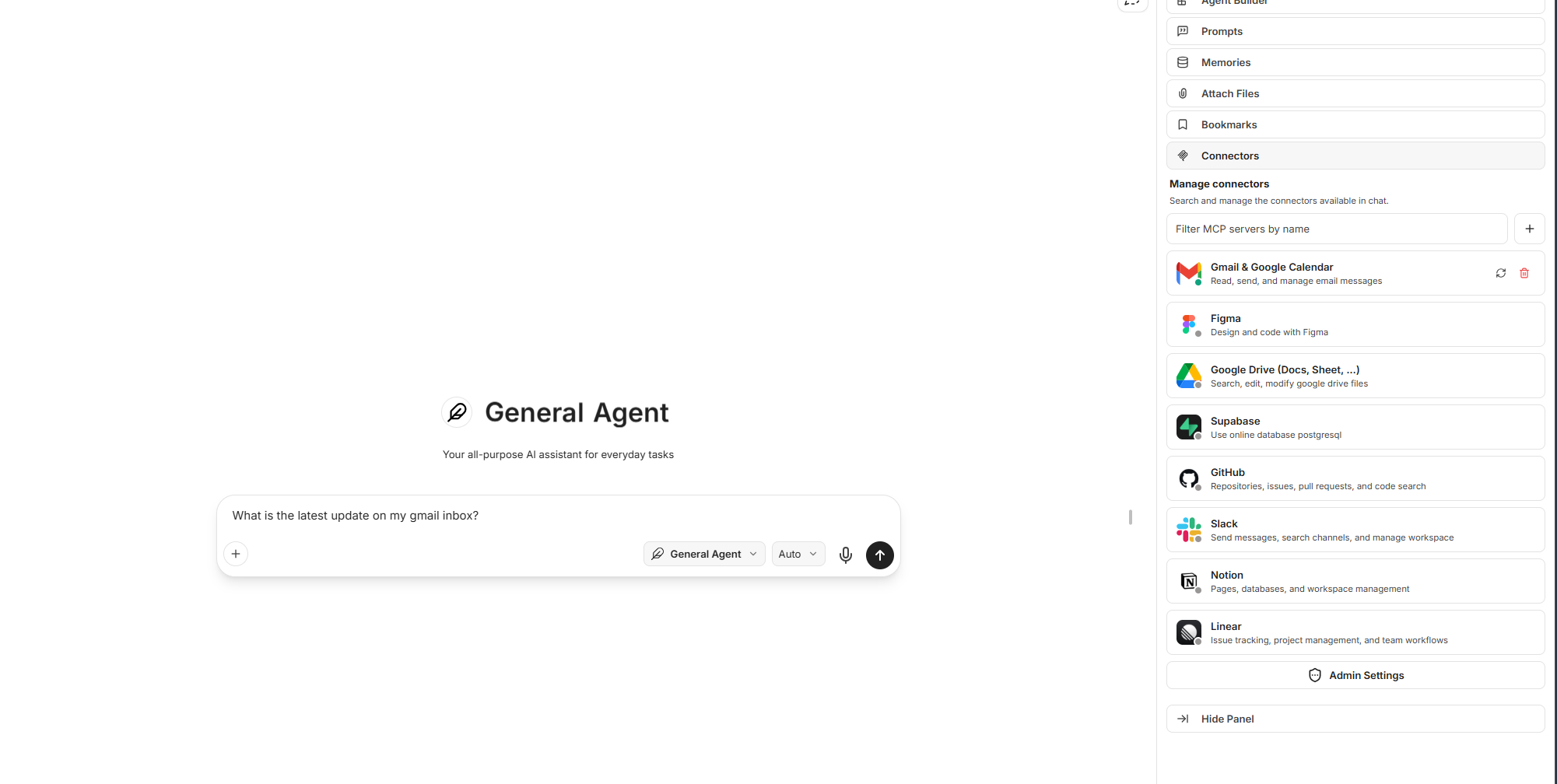
Aize Chat combines model choice, context, tools, and reusable workflows so it can handle research, coding, writing, operations, and connected work more effectively.
Compare leading models in a single conversation flow and choose the best fit for reasoning, writing, coding, or fast iteration.
Work with source material instead of keeping the model disconnected from the files and images that matter to the task.
Use web-connected answers and file search when a workflow depends on live information or older internal context.
Go beyond text with supported image-generation tools and visual-first tasks when the output should be seen, not just described.
Move repeated prompting into named agent flows for research, translation, technical work, creative ideation, and team processes.
Use Aize Chat as a more connected workspace by bringing tools, external systems, and integration-ready actions closer to the prompt.
Produce richer outputs and artifacts you can refine, pass to teammates, or export when plain text is not enough.
Keep useful conversations, branch ideas when needed, and return to earlier work without rebuilding every prompt from scratch.
Aize Chat works best when the job changes in the middle: ask, add context, connect tools, then leave with a better output than plain text alone.
Open a thread, choose the right model, and move quickly from idea to first draft or first answer.
Bring in documents, visual inputs, search results, and context so the model works from something real.
Move beyond basic chat with reusable assistants, external systems, and tool-driven tasks when the job gets more complex.
Leave the conversation with something concrete: a draft, summary, image, artifact, research output, or saved workflow.
Aize Chat is built for the jobs that usually end up split across too many tabs, too many subscriptions, and too many disconnected tools.
Search the web, compare model answers, bring source files into the thread, and keep your findings together in one place.
Use strong models, tool-friendly workflows, and richer outputs when you need more than a simple coding chatbot.
Draft, rewrite, summarize, localize, and refine using the model that fits the moment without leaving the workspace.
Turn common processes into agents and connector-backed flows that are easier to repeat and easier to improve.
Use translation-focused flows and multilingual support when the job spans English, Persian, and other languages.
Use image-aware chat and supported image generation workflows when the answer needs to become a visual output.
Aize Chat is more valuable when the answer needs real context, live information, external systems, or reusable tool-driven actions. Connectors belong in the core product story because that is where AI starts becoming genuinely useful.
For individuals, this means a workspace that does more than basic prompting. For growing teams, it creates a cleaner path into search, integrations, agent workflows, and internal context without forcing an early sales-led setup.
Bring live information into the chat when you need answers grounded in the current web instead of old model memory alone.
Use uploaded documents, images, and searchable conversation history to make the workspace more useful over time.
Extend the workspace with MCP-friendly tools and actions so chat can do more than generate text.
Aize adds a more managed connector layer so useful integrations are easier to discover, reuse, and fit into broader workflows.
Aize Chat feels immediately useful for one person, while still offering enough depth to stay valuable after the first week and beyond.
The first win is personal productivity: get better model access and better tools without procurement friction.
Searchable history, branching, and saved workflows make the product more valuable after the first session instead of less.
When the workflow becomes shared, Aize Chat can grow into workspace-aware usage and more structured internal use.
Use chat as the easiest first step, then keep the path open to deeper platform usage when a successful workflow needs more structure.
If you are looking for a multi-model AI chat platform for research, writing, coding, files, connectors, and agent workflows, this is the value Aize Chat is built to deliver.
A lot of people begin by trying separate AI tools one at a time: ChatGPT for one task, Claude for another, Gemini for something else, then an extra tool for files, another for search, and another for image generation or connected workflows. That setup works for a while, but it breaks down fast. Context gets scattered, useful prompts disappear into separate histories, and every new task starts with rebuilding the same background again. Aize Chat is designed to solve that specific problem. It gives you a multi-model AI chat workspace where switching models does not mean switching products, and where the rest of your workflow can stay closer to the conversation.
The strongest AI chat products are no longer just about generating text. They need to work with documents, visual inputs, current information, reusable workflows, and richer outputs. Aize Chat brings those elements together in one product story: file-aware chat, image-aware workflows, web-connected answers, searchable history, reusable agents, connector-friendly actions, and artifact-style outputs when plain text is not enough. That makes it a better fit for users looking for an AI chat workspace for research, coding, writing, analysis, translation, content creation, and repeatable internal tasks.
People often search for a ChatGPT alternative when they really want a more capable workflow, not just a different chatbot. They want better model choice, a cleaner way to use files and search, a path into connectors and tools, and a place where good work can be found again later. Aize Chat answers that need by focusing on the actual workflow around AI: compare models, ground the prompt with real context, use tools when needed, create useful outputs, and keep the result easy to return to. It starts simple enough for one person to use immediately and stays relevant as that person turns successful prompts into repeatable workflows or shared workspace usage.
These answers cover the practical questions that usually slow down signups, switching, and first-time product adoption.
Aize Chat is designed as a workspace instead of a single-model prompt box. You can switch between leading models, use files and images, add search, move into agents and connectors, and keep your work easier to recover later.
Yes. Aize Chat is built around a multi-model workflow, which means you can compare leading models inside one interface instead of rebuilding the same context in separate apps.
Yes. The product supports file-aware and image-aware workflows so you can ground prompts in documents, uploads, and visual inputs instead of relying on a blank chat box alone.
Yes. Aize Chat is built to grow beyond basic chat with search, tools, reusable agents, and connector-friendly workflows that can bring in external context and actions.
Aize Chat supports richer output flows, including image-generation workflows and artifact-style outputs, so the result can move beyond plain text when the task needs it.
No. The landing page is intentionally built for individuals first. You can start free, use it as a personal AI workspace, and only move deeper into shared workflows when that becomes useful.
The free path is built for speed. The sales and developer lanes stay visible when you need them, but they no longer compete with the first action.