
Start with chat. Grow into teams and API access.
The product line now leads with immediate chat value, while keeping clear next steps for teams and developers who need more control.
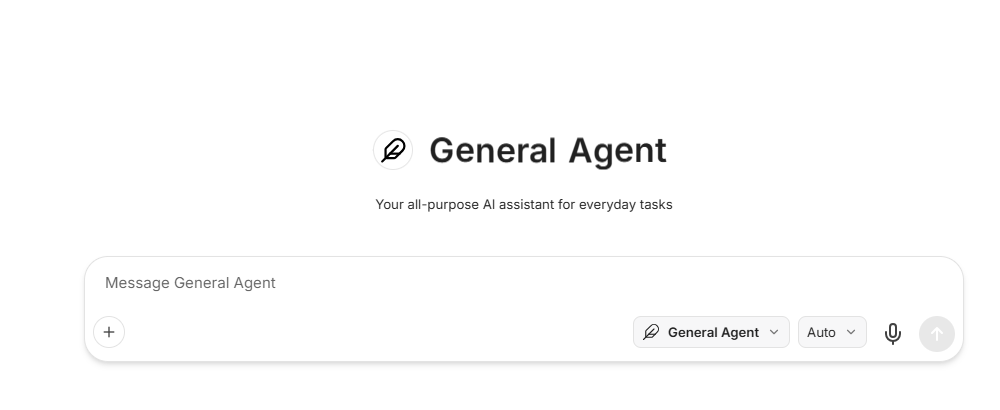
Chat
The fastest path to your first useful answer
Open one account, compare GPT, Claude, Gemini, and more in the same workspace, and get into a real conversation without paying for multiple standalone tools first.
- 30+ AI models, one interface
- File uploads and image analysis
- Conversation history and search
- Export and share conversations
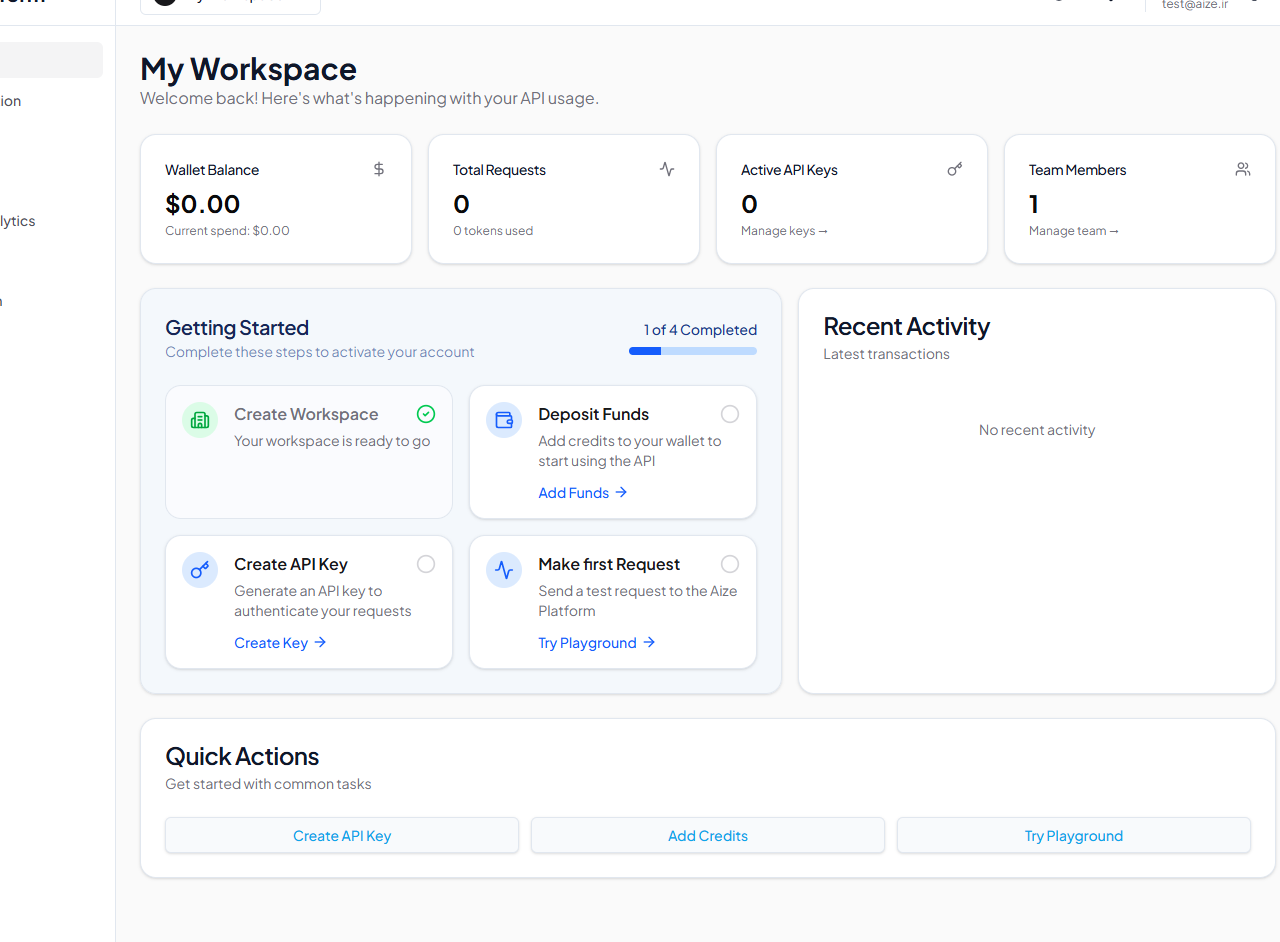
Console
Where teams and API buyers get more control
When chat usage spreads across a team or becomes part of a product workflow, Console gives you keys, billing visibility, permissions, and shared controls from one dashboard.
- API key management with permissions
- Real-time usage analytics
- Credit management and billing
- Team and organization support
AgentLab
Build AI agents like a pro
Design, test, and deploy custom AI agents with our visual builder. Version control your prompts like code, A/B test variations, and collaborate with your team on agent development.
- Visual agent builder
- Prompt versioning with Git
- A/B testing & analytics
- Team collaboration
Flow
Automate AI workflows visually
Build complex AI pipelines with our visual workflow editor. Connect multiple models, APIs, and data sources. Schedule runs, monitor executions, and scale your AI automation.
- Visual workflow editor
- Pre-built workflow templates
- Scheduled & triggered runs
- Monitoring & logging
One API, All Models
OpenAI-compatible API with access to 30+ models. Drop-in replacement — change one line of code.
from openai import OpenAI

client = OpenAI(
    base_url="https://api.aize.dev/v1",
    api_key="your-aize-key"
)

# Use any model with the same API
response = client.chat.completions.create(
    model="gpt-5",  # or claude-3, gemini-pro, llama-3, etc.
    messages=[{"role": "user", "content": "Hello!"}]
)Need rollout help, billing support, or shared governance?
Use the team lane when multiple people need access, shared budgets, or a sales conversation.
Contact SalesBuilding on top of Aize instead of just chatting?
Go straight to the API docs if your first job is integration, routing, or cost control in code.
Go to API DocsStart in chat today, then move into teams or API when the workflow is real.
The free path is built for speed. The sales and developer lanes stay visible when you need them, but they no longer compete with the first action.